AI automation & business systems
Less busywork.More room to grow.
We build practical AI automations, connected workflows, and websites that help your business follow up with customers, organize information, and get everyday work done.
You don't need to know which software to ask for. Just tell us what keeps getting done the hard way.
Example workflow
Re: Fwd: Re: estimate
Invoice question
▦ leads_FINAL_v3.xlsx
Hi! Looking for a quote on a patio cover. Can someone call me back?
(559) 555-0148
New voicemail
Call patio lady back?? Tues?
Job notes
Clovis — patio?
measure Thurs
price for 2 options
Customer record
New- Name
- Maria L.
- Project
- Patio cover
- Area
- Clovis
- Came in by
- Text message
New inquiry: patio cover in Clovis
nowPrefers a call back in the morning.
Next step
Call back Tue, 9:00 AM
Assigned to the office · Reminder if no reply in 2 days
01
Sound familiar?
A customer texts about a quote after hours. The details end up in someone's phone, on a sticky note, and in a spreadsheet nobody updated.
02
The details get organized.
The inquiry becomes a clear customer record: who they are, what they need, where, and how they reached you.
03
The right person hears about it.
The owner gets a short notification with what matters, instead of digging through messages.
04
A clear next step.
A next step is set, and the team gets a reminder if the customer still needs attention.
This is an example. Every workflow is built around how your business already works.
What we build
What could work better in your business?
A few examples of projects we can scope and build. Most start with one task that keeps getting done the hard way.
- 01
Customer inquiries and follow-up
Help inquiries reach the right person, collect useful details, track quotes, and remind your team when a customer needs attention.
Example
- New inquiry
- Customer record
- Owner notified
- Next step
A new inquiry becomes an organized customer record, an owner notification, and a clear next step.
- 02
Documents and everyday paperwork
Turn information from forms, notes, or voice recordings into organized drafts your team can review.
Example
- Field update
- Draft report
- Approved
- Filed
A field update becomes a project report ready for approval and filing.
- 03
Connected tools and internal workflows
Connect the software your business already uses so information moves between systems with less copying and fewer missed handoffs.
Example
- Request approved
- Next task created
- Right person alerted
An approved request creates the next task and alerts the responsible person.
- 04
Practical AI assistants
Build assistants that help answer questions from approved business information, summarize material, or prepare drafts for review.
Example
- Team question
- Answer from procedures
- Source to check
A team member finds an answer in company procedures, with the source available to check.
- 05
Websites that support the business
Build clear websites and intake pages connected to inquiries, appointments, or other useful workflows.
Example
- Visitor details
- Organized intake
- Reaches your team
A visitor submits project details that reach the business in a useful, organized format.
Who we work with
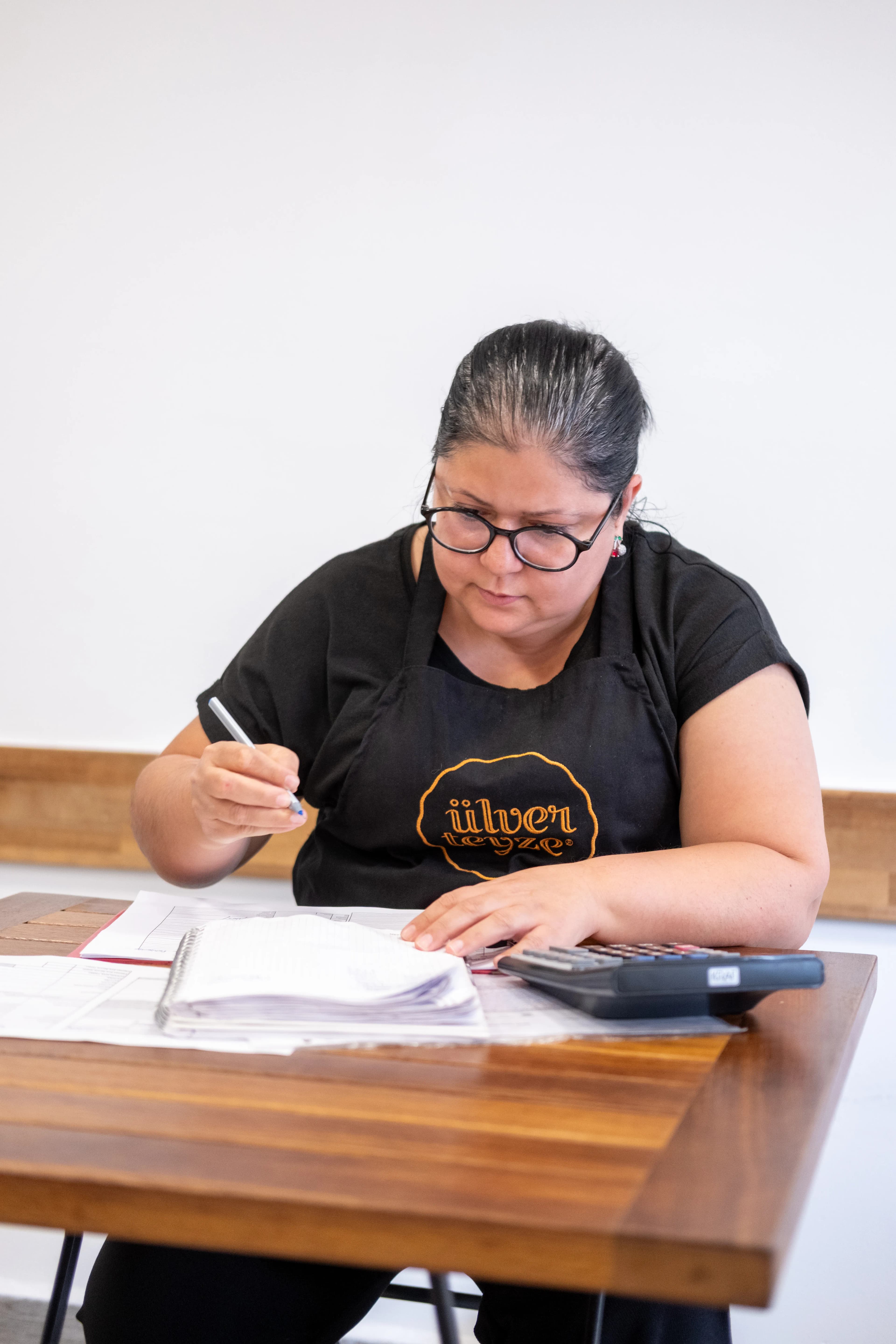
Business owners and growing teams with too much to keep track of.
If your team spends too much time following up, copying information, preparing documents, or keeping track of work across different tools, there's probably a better way to handle some of it.

Construction

Automotive services

Manufacturing
Service businesses
Examples, not a limit.
Based in California's Central Valley, and happy to work remotely with businesses elsewhere.
How we work
Start with one problem.Build something useful.
Step 01
Understand
We learn how the work happens today and where it gets stuck.
Step 02
Plan
We agree on the scope, price, and what a successful result should do.
Step 03
Build and test
We configure the workflow and check normal cases, exceptions, and where a person should step in.
Step 04
Put it to work
We explain how to use it and agree on any ongoing support.
A clear scope and price before work starts. We'll talk through any software or usage costs with you upfront.
About Capaz
Capaz grew from hands-on experience running a business and building tools for real work.
We understand that owners need solutions they can use, not another complicated system to manage.
Our approach is practical:
- Understand the process.
- Improve what matters.
- Keep the experience simple.
ca·pazadj., Spanish
capable, able.
Let's talk
What keeps getting done the hard way?
Tell us what your business does and which task takes too much time, or keeps slipping through the cracks. We'll discuss whether there's a useful way to improve it.
- usecapaz@gmail.com
- Based in
- California's Central Valley
Working remotely with businesses elsewhere